Top 10 Must-Have Custom
Plugins for Every WordPress Site in 2024
WordPress is
an incredibly versatile platform, but to truly harness its potential, you need
the right plugins. Custom plugins can turn a good website into a great one by
adding functionality and improving user experience. In this article, we’ll
explore the top 10 must-have custom plugins for 2024 that can elevate your
WordPress site to new heights.
1.
Yoast SEO

Imagine having a digital assistant that tirelessly works to ensure your website ranks higher in search results—Yoast SEO is precisely that. This powerhouse plugin is an essential tool for any WordPress site owner looking to optimize their site for search engines. It’s packed with a suite of features designed to improve your SEO, making it easier than ever to attract and retain visitors. From keyword optimization to readability checks, Yoast SEO meticulously analyzes your content, providing clear, actionable insights. Whether you’re crafting a new blog post or revamping your homepage, Yoast SEO ensures that every piece of content is both search engine and user-friendly. Its user-friendly interface guides you step-by-step, making complex SEO strategies accessible even if you're just starting out. Dive into the world of SEO with confidence, knowing that Yoast SEO is there to support you every step of the way
Pros:
- Comprehensive
SEO tools in one place.
- Easy to use
with clear instructions and tips.
Cons:
- Some advanced
features require a premium subscription.
- May cause
conflicts with other plugins.
- Regular
updates mean you need to keep an eye on compatibility.
Yoast SEO
2. WooCommerce
If you're venturing into the world of
online retail, WooCommerce is the key to unlocking your store's potential. This
indispensable plugin transforms your WordPress site into a powerful, fully
functional e-commerce platform. Imagine having all the tools you need to run an
online store seamlessly integrated into your website—from comprehensive product
listings to secure payment gateways, WooCommerce has you covered. It's designed
to handle everything from the smallest boutique to large-scale operations, making
it incredibly versatile. With WooCommerce, you can customize your store to
reflect your brand's unique identity, offer a wide variety of products, and
manage your inventory with ease. Whether you're selling physical goods, digital
products, or even services, WooCommerce provides the flexibility and
functionality needed to cater to your specific needs. Embark on your e-commerce
journey with confidence, knowing that WooCommerce is there to support your
every step, making the process smooth and efficient.
Pros:
- Highly
customizable with numerous add-ons.
- Supports
multiple payment gateways.
Cons:
- Can be
resource-intensive and slow down your site.
- Some
essential features require paid extensions.
- Initial setup
can be complex.
- Customer
support can be slow to respond.
Imagine your website loading at lightning
speed, leaving your visitors amazed and more likely to stick around—WP Rocket
makes this possible. This powerful caching plugin is designed to supercharge
your site’s speed and overall performance. One of the best things about WP
Rocket is its simplicity; it’s incredibly easy to configure and requires no
technical knowledge, making it accessible to everyone. By optimizing your
website’s cache, WP Rocket ensures that your pages load faster, which is
essential not just for a seamless user experience, but also for improving your
site’s SEO. Faster load times mean happier visitors and higher search engine
rankings, a win-win situation for any website owner. With WP Rocket, you can
effortlessly boost your site’s performance, reduce bounce rates, and keep your
audience engaged. Say goodbye to slow-loading pages and hello to a faster, more
efficient website with WP Rocket at the helm.
Pros:
- Simple and
quick to set up.
- Significant
improvement in site speed.
Cons:
- Premium
plugin with no free version.
- Some features
might be redundant with other optimization plugins.
- Not all
settings are suitable for every website.
- Can be pricey
for smaller sites.
4. Advanced Custom Fields (ACF)

Imagine having the ability to tailor your
WordPress site exactly to your needs, with every piece of content fitting
perfectly into place—Advanced Custom Fields (ACF) gives you that power. ACF
allows you to take full control of your WordPress edit screens and custom field
data, enabling a level of customization that goes far beyond the basics. With
its user-friendly interface, you can easily create custom fields to store
additional information about your posts and pages, transforming the way you
manage your content. Whether you need to add detailed metadata, custom forms,
or specialized content blocks, ACF makes it possible without needing any coding
expertise. It's like having a custom toolkit for your website, allowing you to
build and organize your content exactly how you envision it. Dive into the
world of advanced customization with ACF and unlock new possibilities for your
WordPress site, making it more dynamic and tailored to your unique
requirements.
Pros:
- Enhances
WordPress content management capabilities.
- Highly
flexible and customizable.
Cons:
- Requires
understanding of custom fields and template tags.
- Some features
are locked behind a Pro version.
- Can be
complex for larger projects.
- Documentation
can be difficult to navigate.
5. Elementor
Imagine creating a stunning website that
looks like it was crafted by a professional designer, all without writing a
single line of code—Elementor makes this possible. As a leading page builder,
Elementor revolutionizes the way you design your WordPress site with its
intuitive drag-and-drop interface. With a vast array of widgets and templates
at your fingertips, you can effortlessly design professional-looking pages that
capture your vision perfectly. Whether you're building a blog, an e-commerce
site, or a portfolio, Elementor provides the tools to create visually appealing
and highly functional web pages. The flexibility and ease of use mean you can
focus on creativity and design, rather than getting bogged down by technical
details. Say goodbye to generic, cookie-cutter websites and hello to a unique,
personalized site that stands out from the crowd. With Elementor, every aspect
of your website can be customized to perfection, ensuring that your online
presence is as impressive as your content.
Pros:
- Intuitive
drag-and-drop builder.
- Vast library
of templates and widgets.
Cons:
- Can be heavy
on server resources.
- Some advanced
features require a Pro version.
- Learning
curve for new users.
- Frequent
updates may cause compatibility issues.
6. Gravity Forms
Imagine being able to create any type of
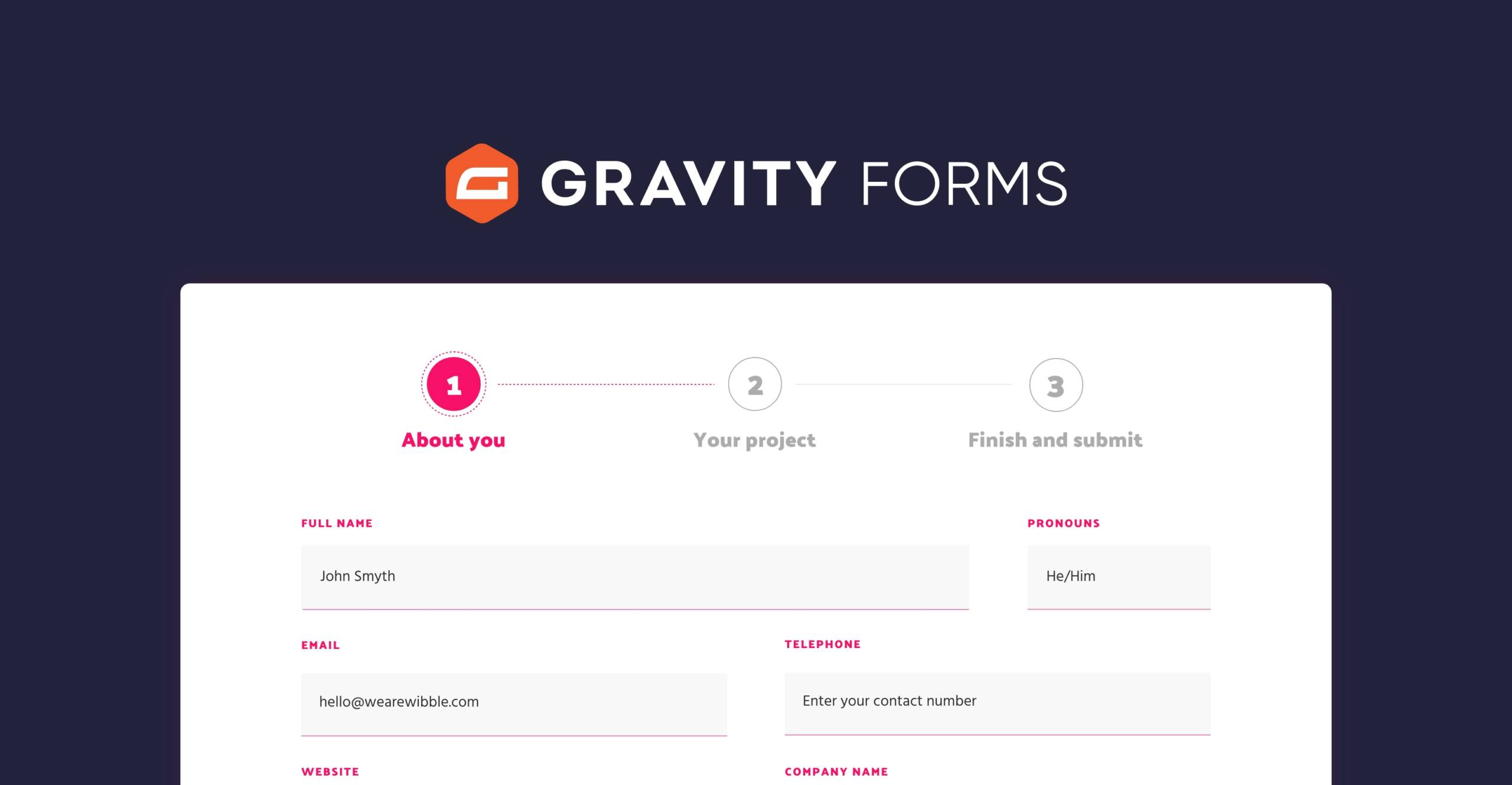
form you need for your website with ease and precision—Gravity Forms brings
this capability to your fingertips. This robust form builder empowers you to
design custom forms tailored to your specific needs, whether it's a
straightforward contact form or a complex multi-page survey. Gravity Forms is
versatile and user-friendly, making it simple to create forms that look
professional and function seamlessly. What sets Gravity Forms apart is its
ability to integrate with numerous third-party services, allowing you to
connect your forms with your favorite apps and tools. This means you can
automate workflows, streamline data collection, and enhance user engagement
without any hassle. Whether you’re looking to gather feedback, capture leads,
or process payments, Gravity Forms provides the flexibility and power to handle
it all, ensuring that your website runs smoothly and efficiently. Dive into the
world of custom form creation with Gravity Forms and elevate your site’s functionality
to new heights.
Pros:
- Highly
customizable with numerous add-ons.
- Easy to
create complex forms.
Cons:
- Premium
plugin with no free version.
- Can be
complex for beginners.
- Some
essential features require paid add-ons.
- Customer
support can be slow.
7. MemberPress
MemberPress is an all-in-one membership
plugin for WordPress that transforms your site into a powerful platform for
creating, managing, and tracking membership subscriptions and selling digital
products. It's an invaluable tool for anyone looking to monetize their content
effectively. With MemberPress, you can easily set up and manage membership
levels, control access to your content, and integrate with various payment
gateways. Whether you're offering exclusive articles, online courses, or
digital downloads, MemberPress provides the flexibility and control you need to
build a thriving membership site. By streamlining the process of managing
subscriptions and payments, MemberPress allows you to focus on delivering
valuable content to your members and growing your online business.
Pros:
- Comprehensive
membership management.
- Easy to
integrate with payment gateways.
Cons:
- Can be
expensive for small sites.
- Steep
learning curve for new users.
- Some features
require additional plugins.
- Limited
design customization options.
8. WPForms
WPForms is a beginner-friendly form
builder plugin that simplifies the process of creating various forms for your
WordPress site. With its intuitive drag-and-drop interface, WPForms makes it
easy to design and customize forms without any coding knowledge. Whether you
need a simple contact form, a detailed survey, or a payment form, WPForms
provides the tools to create functional and professional-looking forms
effortlessly. Its user-centric design ensures that even those new to WordPress
can quickly get up to speed and start building forms that meet their specific
needs. Additionally, WPForms integrates seamlessly with numerous marketing and
payment platforms, allowing you to connect your forms with the services you use
most. This powerful combination of ease-of-use and functionality makes WPForms
an essential tool for anyone looking to enhance their website’s interactivity
and user engagement.
Pros:
- Easy to use
with drag-and-drop builder.
- Integrates
with various marketing and payment tools.
Cons:
- Some advanced
features require a Pro version.
- Limited
customization options in the free version.
- Can be
expensive for advanced features.
- Documentation
can be limited.
9. Sucuri Security
Sucuri Security is a comprehensive
security plugin designed to safeguard your WordPress site from a wide array of
online threats. This powerful plugin offers a robust suite of features,
including malware scanning, security auditing, and post-hack actions, all aimed
at keeping your site secure. With Sucuri, you can continuously monitor your
website for potential vulnerabilities and take proactive measures to prevent
attacks. The malware scanning feature thoroughly checks your site for any
malicious code, while the security auditing tools help you identify and fix
weaknesses. In the unfortunate event of a hack, Sucuri's post-hack actions
provide essential steps to recover and restore your site. This level of
protection is crucial for maintaining your site's integrity and ensuring the
safety of your visitors. With Sucuri Security, you can confidently protect your
WordPress site, knowing you have a reliable ally in your fight against cyber
threats.
Pros:
- Comprehensive
security features.
- Regular
malware scans and security audits.
Cons:
- Premium
features can be expensive.
- Can slow down
your site.
- Requires
regular monitoring and maintenance.
- Customer
support can be slow to respond.
10. WPML (WordPress Multilingual
Plugin)
WPML is the ultimate solution for creating
multilingual WordPress sites, making your content accessible to a global
audience. This go-to plugin allows you to translate your site into multiple
languages, ensuring that you can reach and engage visitors from around the
world. With WPML, you can manage translations for posts, pages, custom types,
and more, all from a single, user-friendly interface. The plugin seamlessly
integrates with your existing site, offering comprehensive support for
translating themes, plugins, and even widgets. This means you can maintain a
consistent and professional appearance across all language versions of your
site. By breaking down language barriers, WPML helps you expand your reach,
improve user experience, and potentially increase your site's traffic and
conversions. Whether you're running a blog, an e-commerce store, or a corporate
site, WPML provides the tools you need to create a truly multilingual website
that resonates with a diverse audience.
Pros:
- Supports
multiple languages and translation management.
- Integrates
with popular SEO plugins.
Cons:
- Can be
expensive, especially for small sites.
- Complex setup
and configuration.
- May cause
conflicts with other plugins.
- Limited
support for some themes and plugins.
Each of these plugins can significantly
enhance your WordPress site, providing valuable functionality and improving
user experience. However, sometimes you need something even more tailored to
your unique needs. That’s where I come in! Whether you need custom plugin
development or specific tweaks to existing plugins, I can help you create the
perfect solution for your website.
Ready to take your site to the next level? Click below to get started
with your custom plugin today!
Contact me on Fiverr
Comments
Post a Comment